Floating desktop notes
Keep important notes on screen while you work across other Mac apps.
 Desk Notes
Desk Notes
Desk Notes

Desk Notes is a better-looking sticky notes app for Mac desktops. Keep quick notes, links, tasks, and private reminders visible without turning them into a full notes library.

Mac Desktop Notes
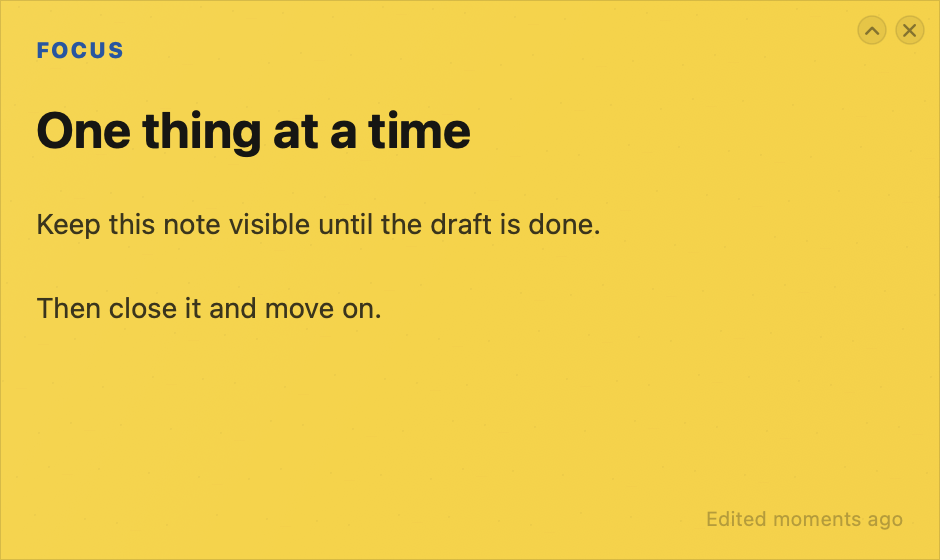
Desk Notes is built for Mac sticky notes that need to stay visible: meeting follow-ups, quick tasks, URLs, tiny plans, phone notes, and reminders you do not want buried in a larger notes app.
Keep important notes on screen while you work across other Mac apps.
Drop URLs into a note and keep browser tabs, references, and follow-ups close.
Label notes without turning a quick desktop note into a project system.
Use colorful note surfaces that feel at home on a modern Mac desktop.
Private By Default
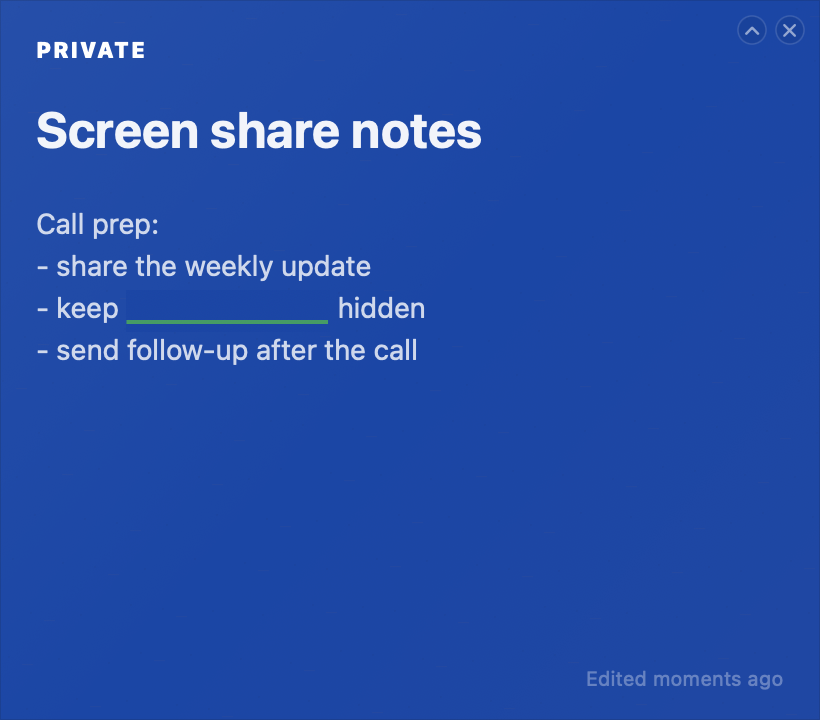
Desk Notes is a local Mac utility for quick notes that should stay visible. It works offline, saves notes on your computer, and lets you hide private bits when they should not be on screen.
Your note content lives on your computer.
Open, edit, and organize notes without an internet connection.
Hide sensitive bits while the rest of the note stays useful.
Desktop Notes
Tasks, links, tiny plans, call notes, and loose ends. Desk Notes keeps them on your desktop without turning them into a full notes library.
Coming Next
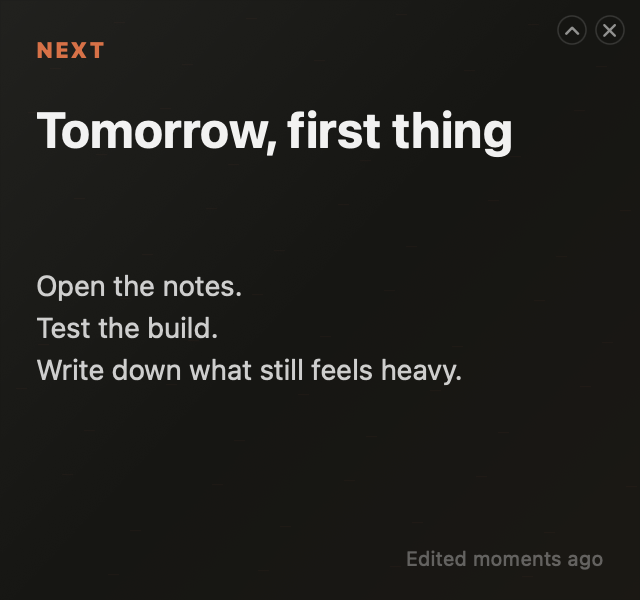
Experimental moods we are shaping for future style drops.
FAQ
Desk Notes is a sticky notes app for Mac that keeps quick notes, links, tasks, and small reminders visible on your desktop.
No. Desk Notes is for lightweight desktop notes you want to see while working. Apple Notes is better for larger collections, long-form notes, and synced libraries.
Desk Notes keeps the directness of classic Mac Stickies, then adds a cleaner modern look, style packs, categories, inline links, and privacy masking.
Yes. Desk Notes is designed as a local Mac utility, so notes can be opened and edited without an internet connection.
Notes are stored locally on your Mac in Application Support. Desk Notes is built for local-first desktop note taking.
Yes. Desk Notes includes lightweight privacy masking so sensitive bits can be hidden while the rest of the note stays useful.